We're here to help your dairy
Questions about the app, a rate chart, printing or your membership? Reach the Apna Infotech team on WhatsApp, phone or email — or send a message below. We reply in Hindi and English.
Fastest help is inside the app
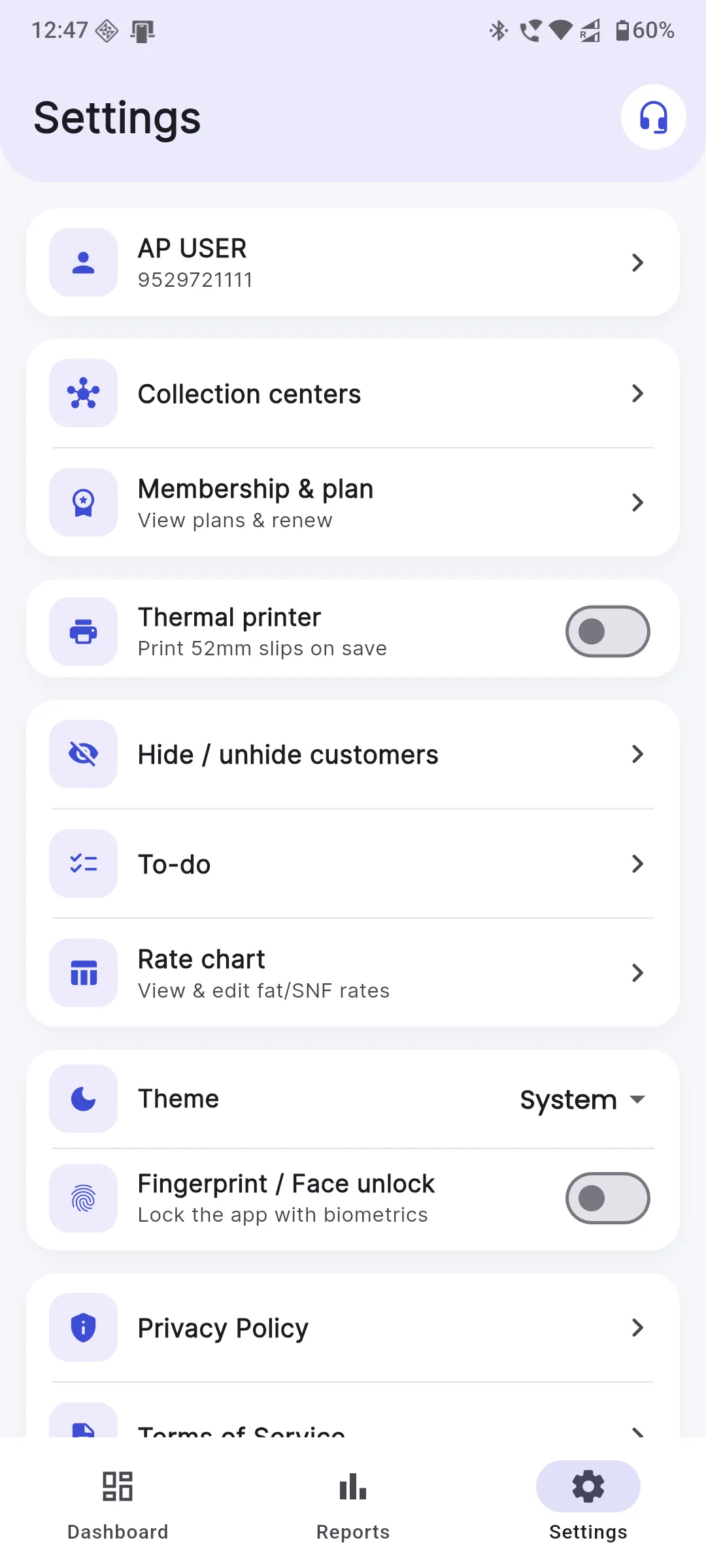
Tap the headset icon on the Settings screen to reach support with your details ready.
Open Google PlaySend us a message
We usually reply within one working day.
Before you write to us
Make sure the photo is sharp and the Fat and SNF headings are visible. You can also upload the chart as a PDF or Excel/CSV for the cleanest result.
Turn on the printer, pair it once in your phone's Bluetooth settings, then enable Thermal printer in the app's Settings. Any standard 52mm Bluetooth printer works.
No. Sign in with the same mobile number on your new phone and your data syncs back once you are online. Contact support if you need help moving.
See the app before you write in
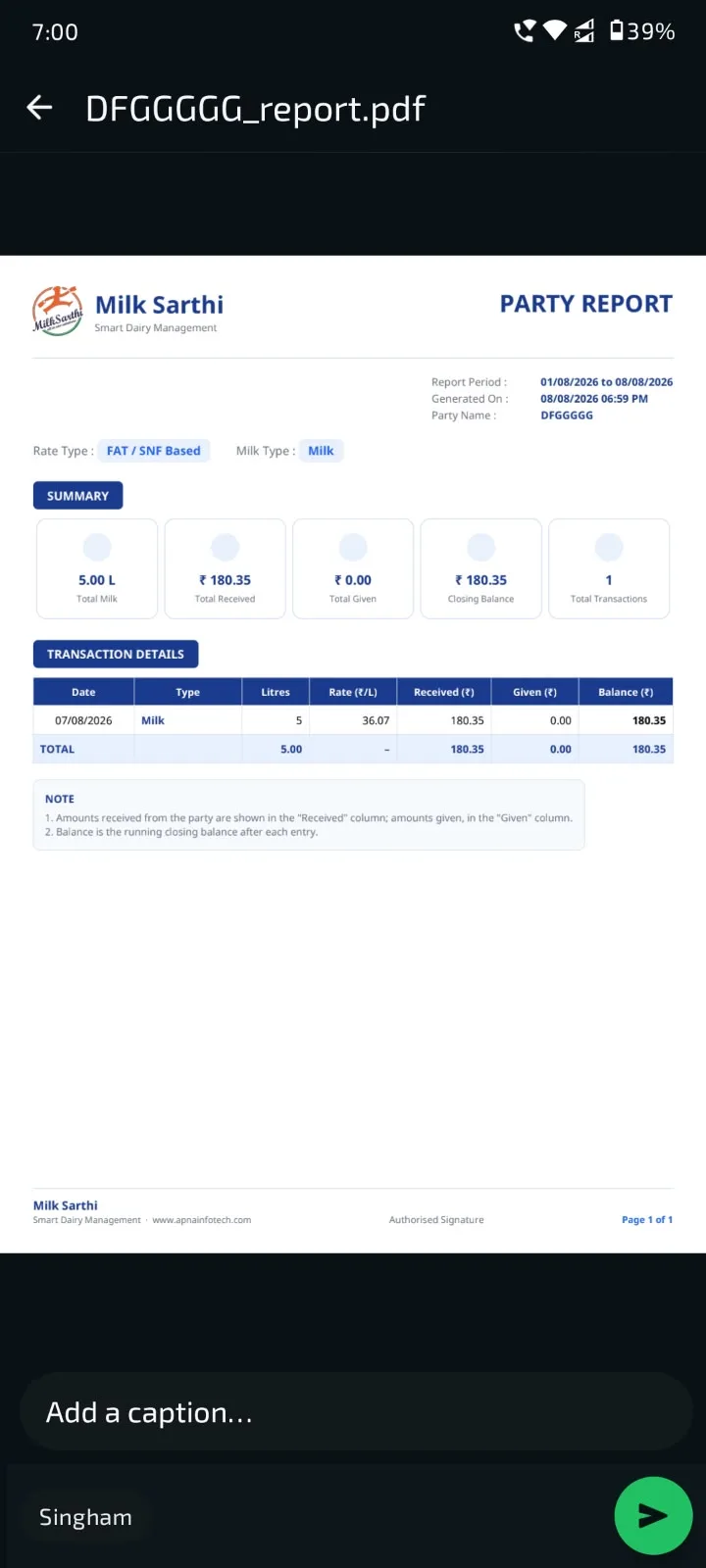
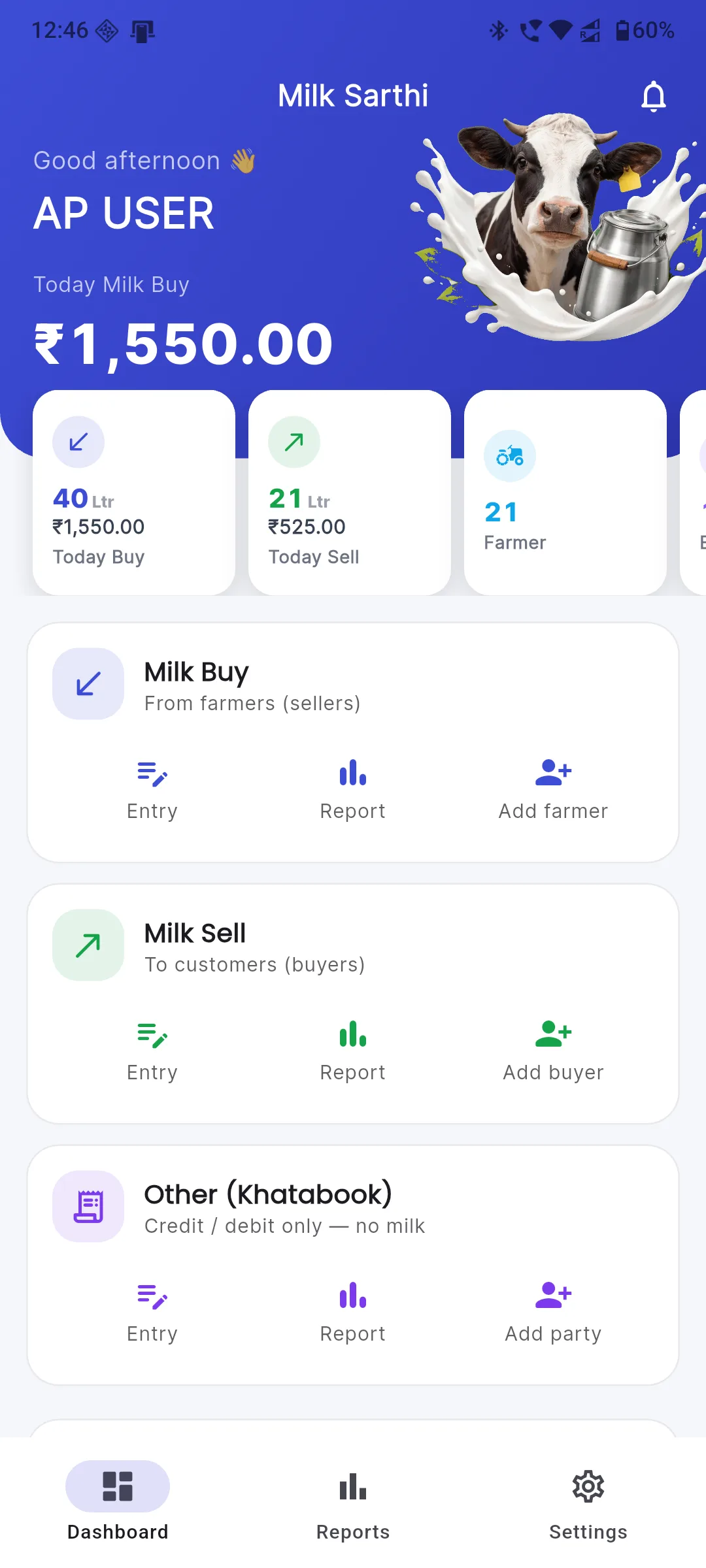
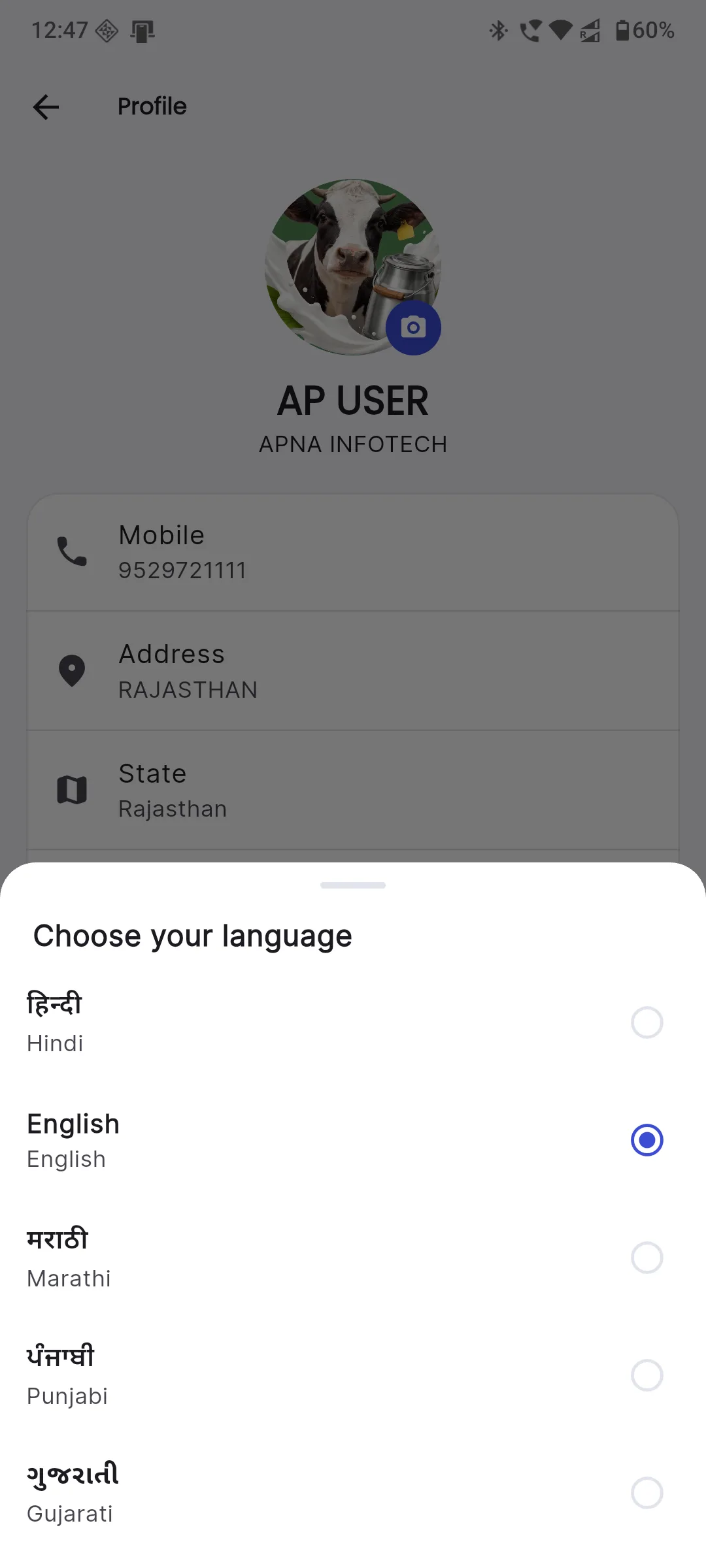
Most questions answer themselves once you open the app. Swipe through the real screens, then reach out if anything is unclear.
See all screenshots