Dairy guides, in plain language
Short, practical reads for milk dairy owners — how Fat/SNF pricing works, moving off the paper register, printing slips, and getting paid on time. Written by the team that builds Milk Sarthi.
How Fat & SNF decide your milk rate
What Fat and SNF actually mean, why two cans of the same litres can pay differently, and how a rate chart turns quality into a fair price.
Read the guide →From paper register to app in one day
A simple, step-by-step move: add your parties, set a rate, record the morning shift, and share your first bill by evening — without losing a single entry.
Read the guide →Set up a 52mm Bluetooth slip printer
Which printer to buy, how to pair it once, and how to hand a printed slip to every farmer on the spot — so there is never an argument about litres.
Read the guide →Close a 10-day billing cycle cleanly
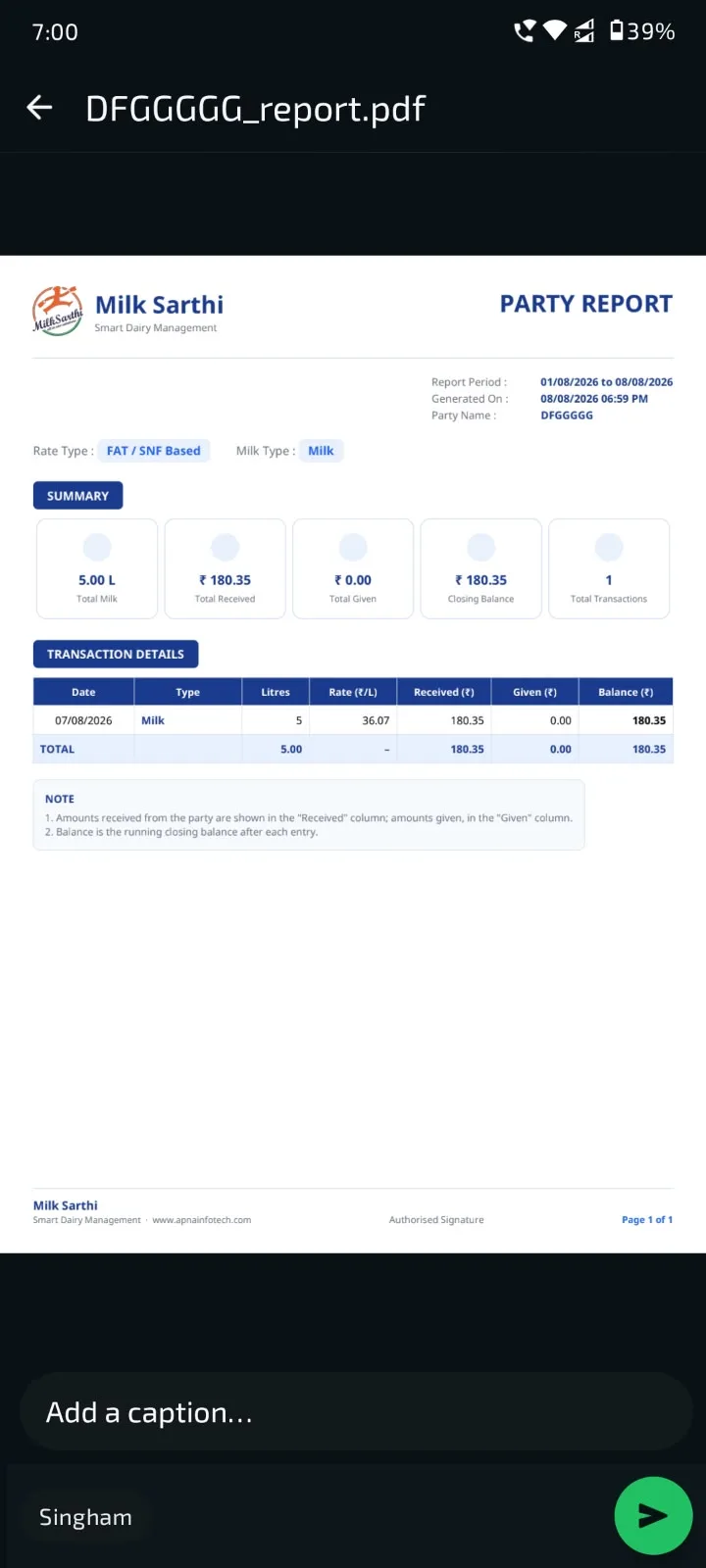
How to run a period bill, share the party-wise PDF on WhatsApp, record payments, and keep every balance matching the ledger to the paisa.
Read the guide →Fill your whole rate chart with AI
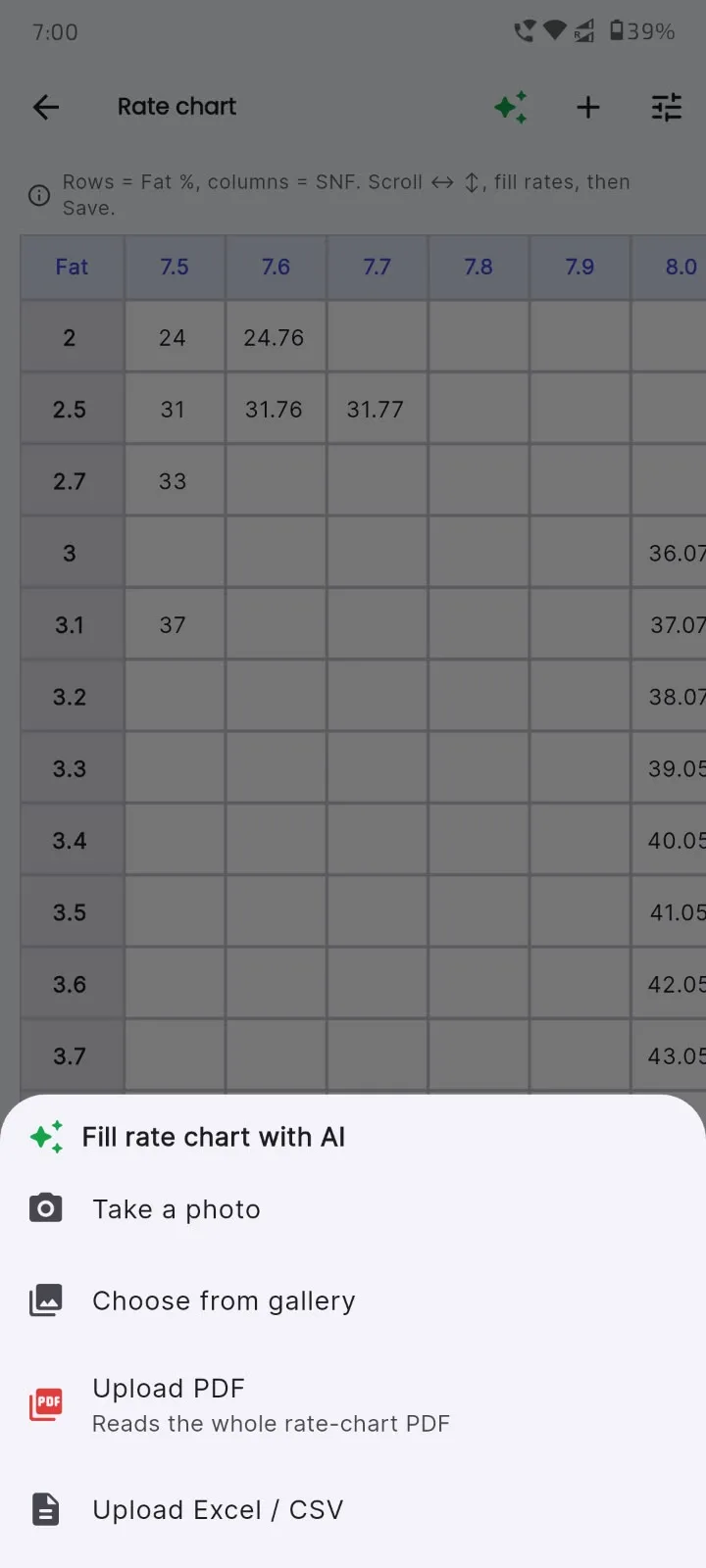
Instead of typing hundreds of Fat × SNF cells by hand, snap a photo or upload a PDF/Excel and let the app fill the grid. Here's how to get it right the first time.
Read the guide →Keep your ledger private with app lock
Turn on fingerprint or face unlock so only you can open the app — useful when your phone is shared at the counter.
Read the guide →New guides are published regularly. Meanwhile, the Fat/SNF calculator is ready to use now.
Milk dairy FAQ
Fat is the fat percentage in milk and SNF stands for solids-not-fat — the proteins, lactose and minerals left once the water and fat are removed. Together, Fat and SNF describe the quality of the milk. Richer milk has higher Fat and SNF, and both are measured for each collection so the dairy can pay a fair price for what was actually delivered.
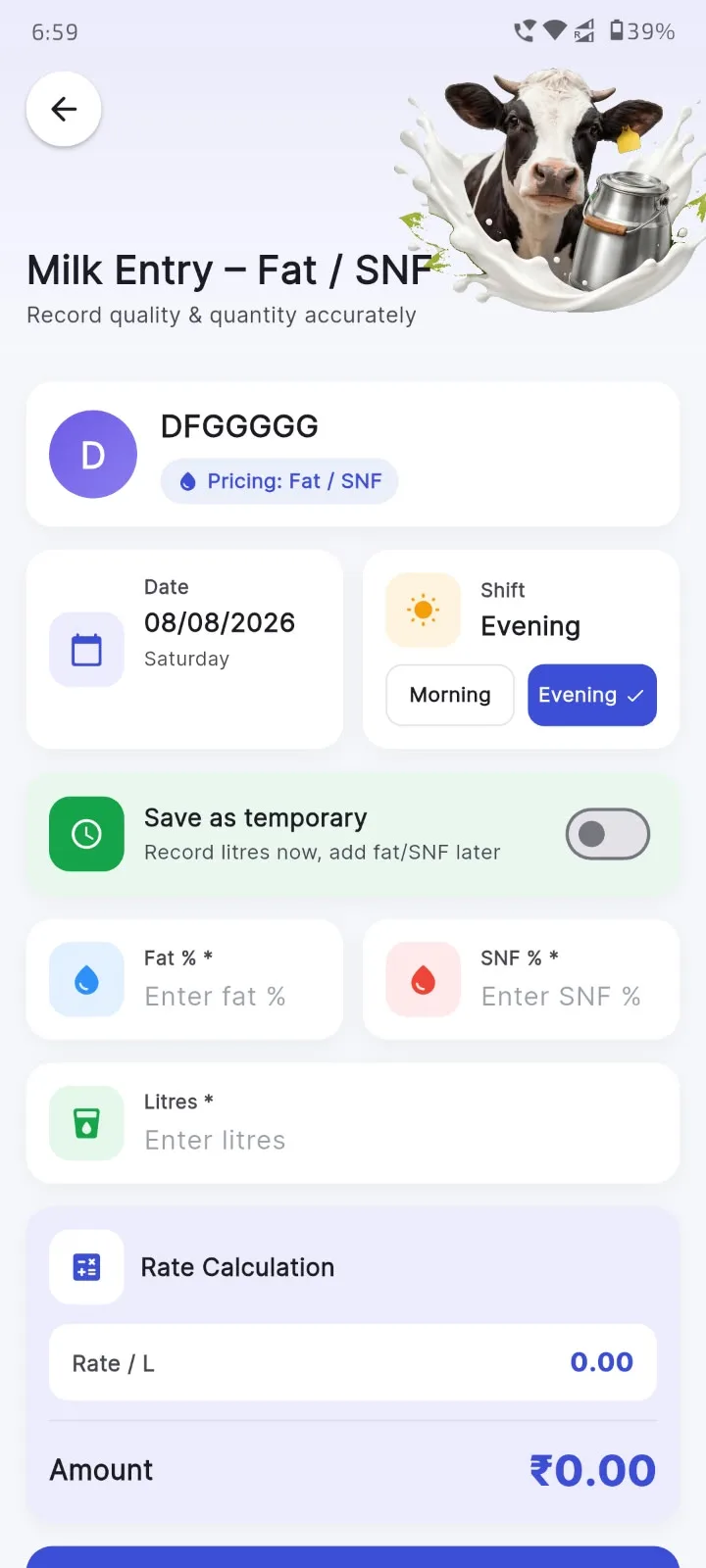
The dairy uses a rate chart — a grid that maps each combination of Fat percentage and SNF to a price per litre. When milk is tested, its Fat and SNF values point to one cell in the chart, and that cell gives the rate per litre. Multiply that rate by the litres delivered to get the amount payable. In Milk Sarthi you fill the rate chart once (AI can read it from a photo, PDF or Excel), and after that the app looks up the rate and calculates the amount automatically for every entry.
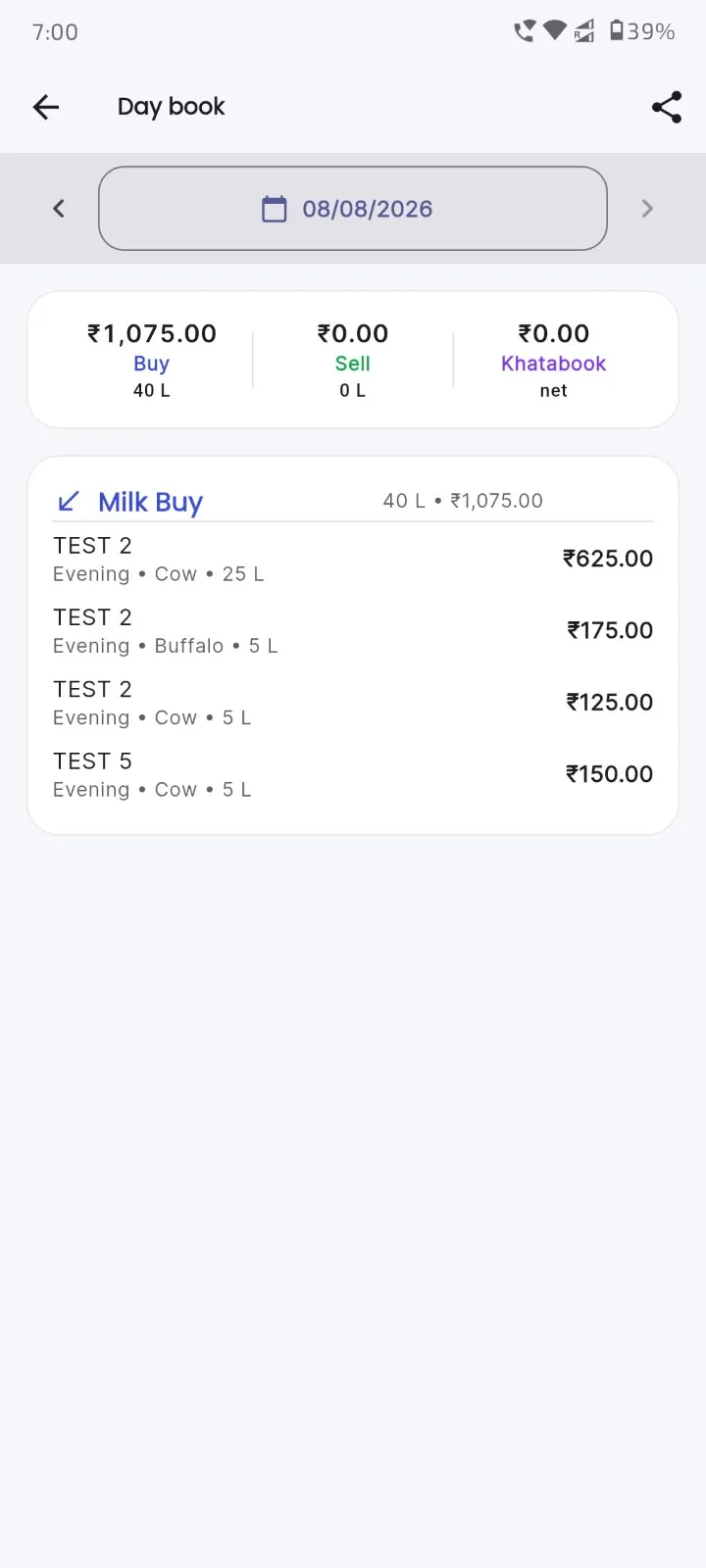
The right app depends on your work, but Milk Sarthi is a strong free option for most Indian dairy owners because it covers buying, selling and khatabook in one place. It records Fat/SNF entries with an automatic rate lookup, keeps a party-wise ledger, prints 52mm slips, and shares PDF reports on WhatsApp. Its AI rate-chart fill saves hours of manual typing, and it works in five Indian languages, so a phone is enough to run the whole dairy day.
Move in small steps. First add your regular parties (buyers and sellers) into the app. Next set your rate — type a flat rate or fill the Fat/SNF rate chart. Then record one shift, such as the morning collection, entering litres and Fat/SNF as you normally would. Compare the app total with your register for that shift to build trust, then share the first bill as a PDF. Within a day or two you can stop writing in the paper register entirely, with every entry safely stored on the phone.
For most dairies a phone is enough. An Android app like Milk Sarthi handles milk entry, Fat/SNF rate lookup, the khatabook ledger, slip printing to a 52mm Bluetooth printer, and PDF reports over WhatsApp — all from your phone. A computer is optional and mainly useful for very large operations, but the day-to-day buying, selling and hisab of a dairy can be run entirely on a phone.
Put the guides into practice
Download Milk Sarthi free and run your whole dairy day — buy, sell and khata in one app.
Download on Google PlayEvery guide, built into the app
These aren't just tips — the app already does the hard parts for you. Swipe through the real screens and see.
See all screenshots